
Build Healthier Routines with Effortless Automations
Today we focus on habit tracking and wellness reminders powered by no-code automations, turning good intentions into timely, compassionate nudges that actually fit your life. We’ll blend behavioral science with accessible tools like Shortcuts, Zapier, Make, and Notion to design tiny, repeatable wins while protecting attention. Expect practical flows, honest stories, humane guardrails, and clear steps that reduce friction and celebrate progress. Experiment with us, adapt ideas to your context, and share what you build so others can learn from your discoveries.
From Intention to Routine: Wiring Tiny Wins
Habits thrive when cues, actions, and rewards align without demanding willpower each time. By pairing gentle prompts with low-friction steps and quick acknowledgments, no-code automations create dependable momentum. We’ll translate the habit loop into simple, realistic flows that respect your time, minimize distraction, and let small victories accumulate. You’ll learn to design triggers that feel natural, start with actions that are almost effortless, and close each loop with feedback that motivates rather than nags.
Designing Triggers that Respect Your Day
The right reminder arrives at a moment you can act, not when you’re already stretched thin. Use calendar context, meeting endings, commute arrivals, or weather changes as smart cues. Geofenced prompts can greet you at the gym, while post-meeting notifications encourage quick movement. Calibrate tone, timing, and frequency, then iterate compassionately. When in doubt, fewer and better beats more and louder every single time.
Frictionless First Steps
Make the first action ridiculously easy so momentum carries you forward. Link notifications to one-tap checklists, prefilled notes, or a direct timer start. Surface exactly what to do, where to tap, and how long it takes. Keep materials visible, scripts concise, and choices minimal. If a step takes longer to find than to complete, automate the search. Friction removed today becomes consistency tomorrow.
Celebrate Micro-Rewards Automatically
Instant acknowledgment reinforces effort, especially early on. Log completions to a visible streak in Notion or Airtable, send yourself a friendly Slack pat on the back, or display a tiny confetti animation. Rotate encouraging messages to reduce habituation. Pair visual progress with reflective prompts so meaning deepens over time. Recognition should feel honest and earned, supporting identity growth rather than chasing empty numbers.

Zapier vs. Make: When Reliability Beats Flexibility
Zapier shines with dependable triggers, polished integrations, and straightforward setup. Make offers intricate branching, routers, and data transformations for power users. If you value quick wins and less maintenance, lean toward Zapier. If you crave complex logic, Make may fit. Consider price tiers, operational limits, error handling, and alerting. The simplest pipeline that accomplishes your goal is usually the most resilient over weeks, not just days.
Shortcuts and Android Routines for On-Device Magic
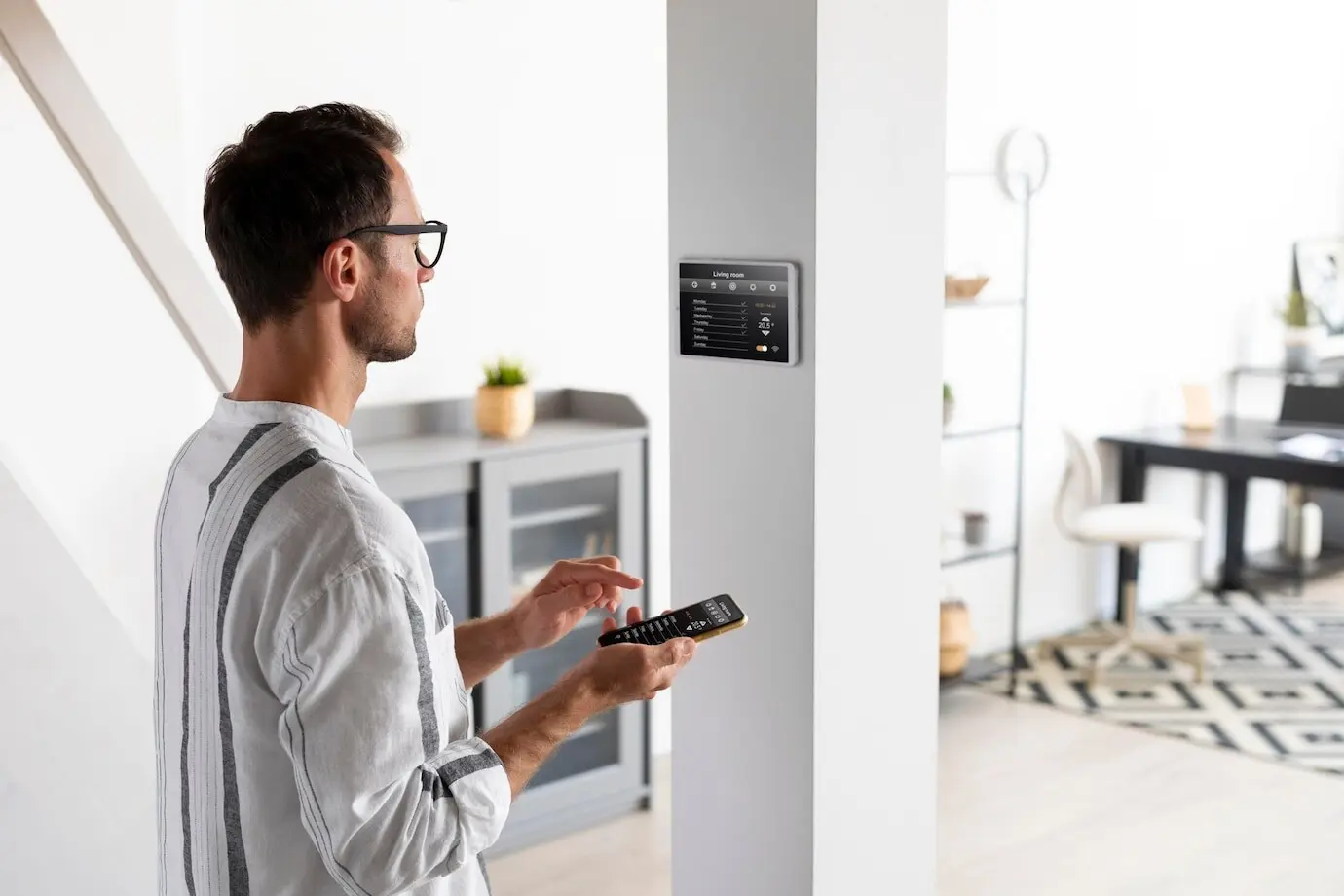
Local automations feel instant and private. Apple Shortcuts can tie into Focus modes, alarms, and NFC tags, while Android routines connect with system events and widgets. Create home-screen buttons for water, stretching, or a breathing pause. Use parameters to adapt prompts by time or location. Offline reliability reduces failures, building trust. When network tools wobble, on-device triggers quietly keep your rituals alive without fuss.
Calendars, Sheets, and Notion as Your Memory
A lightweight system-of-record keeps your reminders honest and your logs findable. Use a shared calendar for anchors like workouts or walks, a Google Sheet for timestamps and notes, or a Notion database for richer context and streaks. Consistent structure enables summaries and trends later. Keep properties simple, favor one tap over many fields, and automate population so your attention stays on the activity, not the admin.

Morning Hydration With Context
When your morning alarm silences, Shortcuts starts a two-minute timer and displays a checklist: drink water, open blinds, stretch shoulders. A nearby NFC tag by the kettle logs completion to Notion, incrementing a streak and adding a friendly note. If you miss two days, a Sunday summary offers adjustments instead of guilt. The reminder lives where the habit happens, with zero scrolling required.

Move for Two Minutes After Meetings
A calendar-ended trigger posts a gentle notification: stand, breathe, and do twenty calf raises. Tapping opens a stopwatch and logs the movement to a Google Sheet with meeting title for context. If back-to-back events stack, the system batches prompts into one concise suggestion. Weekly charts reveal energy improvements and reduced afternoon slumps. Momentum grows because the action is short, immediate, and clearly connected to your schedule.
Wind-Down Evenings Without Doomscrolling
At a set hour, a Focus mode activates, dimming the Home Screen and surfacing a reading shortcut, a journaling note, and a ten-minute sleep yoga video. If launched, Make records the selection, updates a streak, and delays any non-urgent notifications until morning. A soft chime closes the routine, signaling rest. Over time, your brain associates this sequence with calm, making sleep arrive more smoothly.
Protect Your Data, Protect Your Energy
Wellness tools should reduce stress, not add new worries. Build with privacy in mind: minimize data, store locally when possible, and grant integrations only what they need. Respect quiet hours, allow easy opt-outs, and design fallbacks when services fail. Replace excessive pings with digestible summaries and reflective check-ins. When your system treats you kindly, you’ll trust it, use it, and feel better supported by it.
Make Progress Visible and Encouraging
Tracking should clarify, not complicate. Choose a few meaningful indicators, favor rolling averages over brittle streaks, and annotate context so data tells a story. Celebrate consistency, not perfection. Use reflective prompts to connect actions with feelings and outcomes. Invite a trusted friend or community for accountability that feels supportive, never shaming. When your progress is visible and kind, motivation has room to grow.
Meaningful Metrics Over Vanity Counts
Instead of raw totals, track percentage of days completed, average hydration per morning, or minutes of restorative movement after meetings. Add notes about sleep, mood, or stressors to explain fluctuations. Use thresholds to trigger encouragement, not alarms. A small upward trend beats a perfect streak that collapses under pressure. Metrics should guide better decisions, not dominate your attention or self-worth.
Reflection Prompts That Deepen Learning
Ask one timely question after completion: what helped, what hindered, or what to change tomorrow. Rotate prompts to reduce monotony. Keep input lightweight—tap a quick tag or dictate a short note. Over weeks, patterns surface naturally. Reflection builds self-trust, turning data points into insight, and preventing mindless box-checking. This simple practice transforms reminders from noise into a conversation with your future self.
Community Keeps You Going
Invite a friend to receive a weekly shared summary celebrating both of your wins. Host a small group checkpoint with gentle goals and real-life troubleshooting. Share automations in a gallery so others can remix and improve them. Mutual encouragement compounds motivation, while diverse perspectives reveal blind spots. When progress becomes social, consistency feels meaningful, fun, and far less lonely on tough weeks.
Your First Automation in 10 Minutes
Start simple: pick one habit that matters this week, one context-aware trigger, and one tiny celebration. Build it, test it, and run it for seven days before changing anything. Take notes on friction and feelings, not just counts. You’ll discover which parts to automate further and which to simplify. Share your results, ask for feedback, and subscribe to learn new recipes with gentle, thoughtful upgrades.
All Rights Reserved.